Your rack
Face the rack straight on. Keep each number visible.
Find a legal move from your rack and the table. Photograph the tiles or enter them by hand, then see exactly what to play.
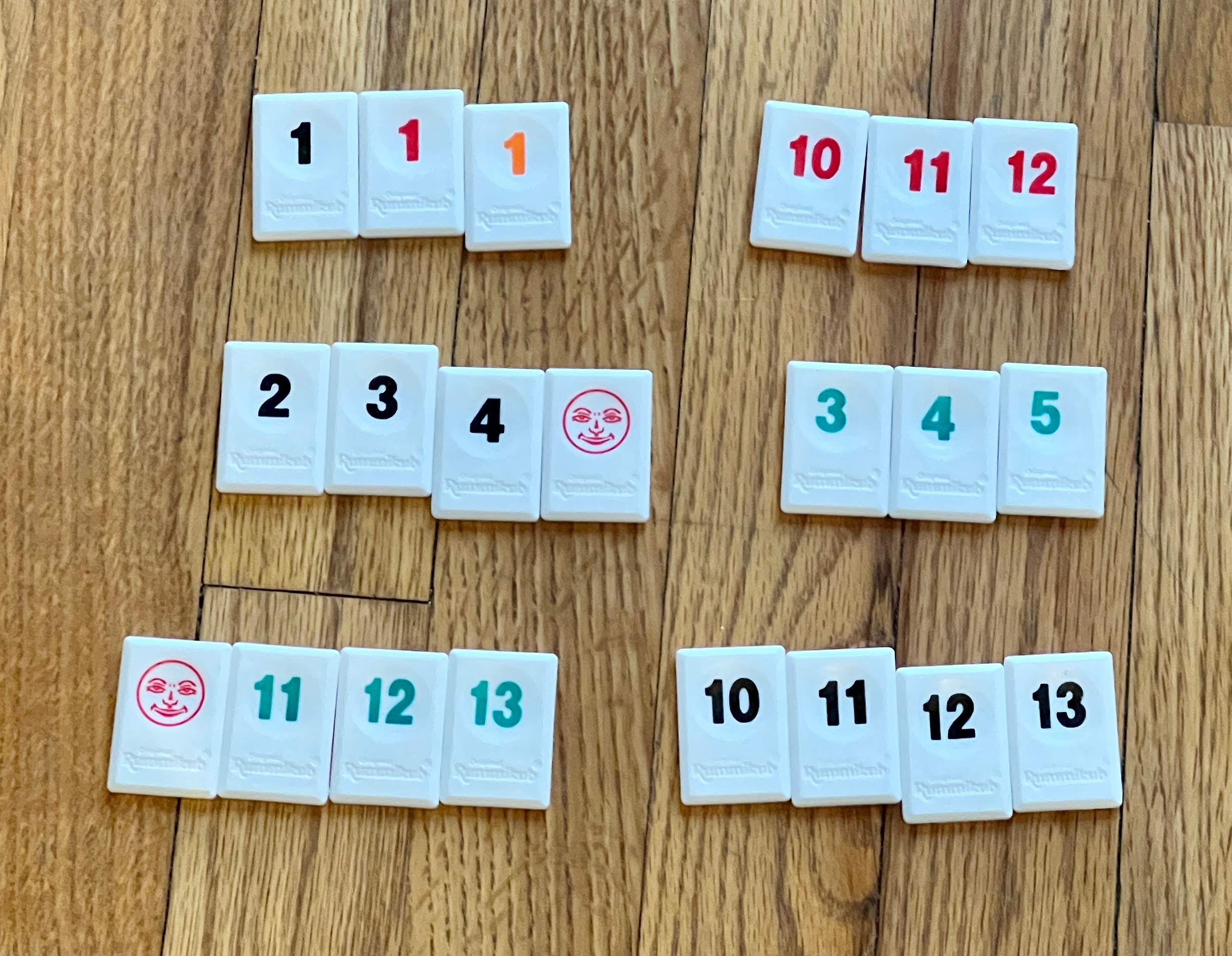
Choose one photo of your rack and one of the complete table.
Face the rack straight on. Keep each number visible.
Shoot from above. Include every set on the table.
Photos stay on your device until you choose Read photos, which sends them to OpenAI for recognition.
A camera can read the pieces. Finding a way to play them is a different problem.
Photograph your rack straight on and the whole table from above. Computer vision identifies the colors, numbers, jokers and sets. You can also enter them by hand.
Compare the reading with the real table. Correct individual tiles and jokers. The solver checks runs, groups and duplicate pieces before looking for a play.
Choose a goal. The optimizer searches for combinations that keep the table legal and play tiles from your rack. The result shows what to play and how to leave the table.
Stephen Murphy built Rummy Cube Solver as a data science project. The original Python solver used PuLP to model the game as a mixed-integer optimization problem.
This web version combines computer vision with a TypeScript solver and the HiGHS optimization engine. Each candidate meld is a choice. Tile inventory and game rules constrain which choices can coexist on the table.
An independent tool for Rummikub players.
Yes. Choose Enter tiles by hand, tap your rack tiles, then add any runs or groups already on the table. An empty table works too.
Open Review tiles and tap the tile on your rack or in its table set. Choose its color and number, switch it to a joker, or remove it. You can also add a missing tile or change a set from a run to a group.
Your browser prepares the photos on your device. Choosing Read photos sends them to OpenAI for recognition. The app requests deletion of temporary uploads after the read and sets a one-hour expiry as a backup. Manual entry and the demo work without sending photos.
Yes. Turn on Opening meld in Turn settings to look for a play worth at least 30 points from your own rack.